A free MS Paint for Mac

A small, light raster editor that brings Windows 11 Paint's layout and interactions to a native Mac app.
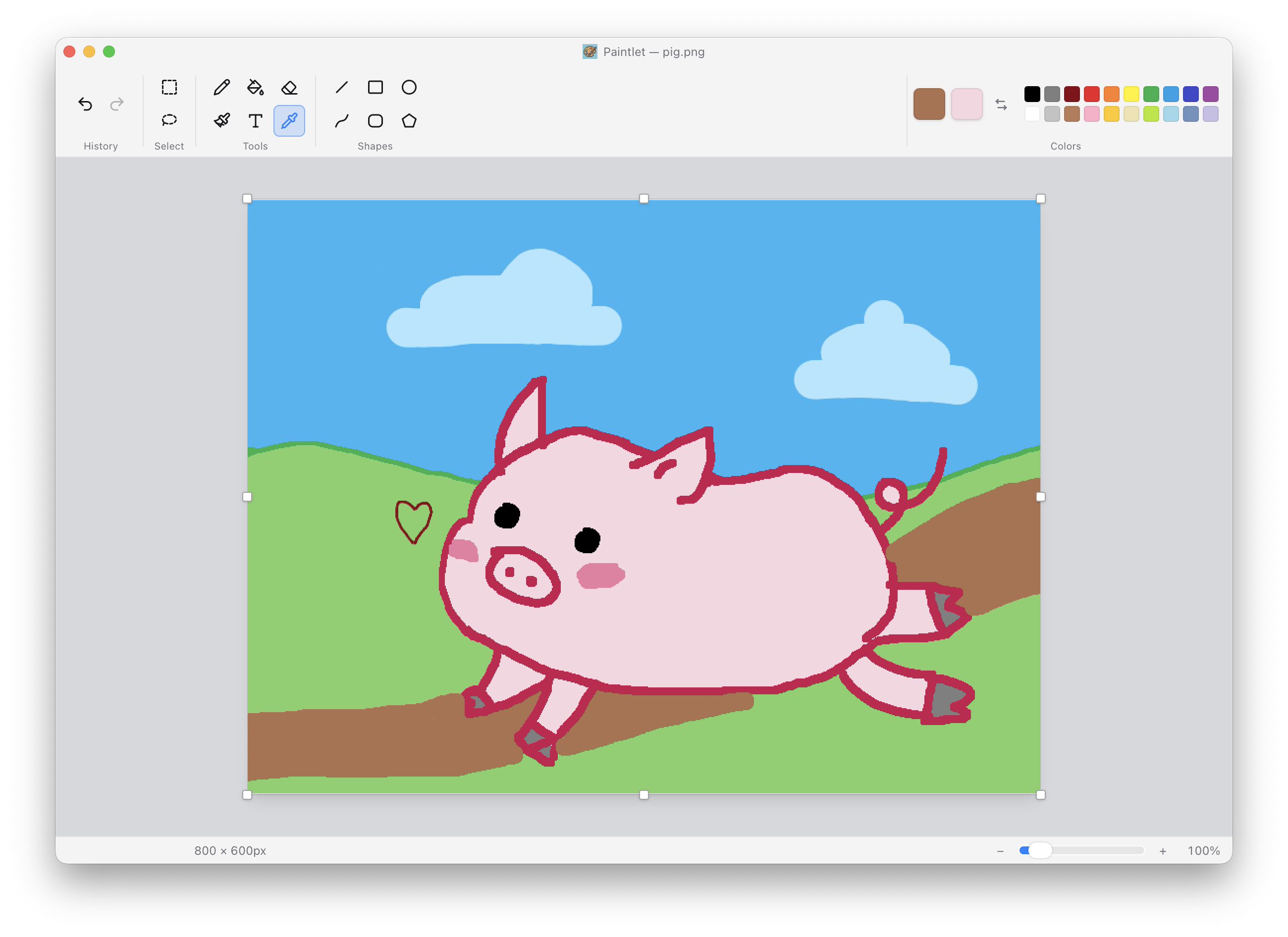
Paintlet editing a drawing of a pig on a hillside, showing the grouped ribbon, color palette, canvas, and status bar

Features

Freehand

Pencil, brush, and eraser with a width slider.

Shapes

Lines, curves, rectangles, ellipses, and polygons.

Fill & eyedropper

Leak-tight flood fill and a sampling eyedropper.

Selection

Marquee or lasso with move and eight-grip resize.

Image ops

Resize, crop, flip, rotate — all undoable.

Native macOS UI

Native menus, a Win11 ribbon, and full dark mode.
Screenshots

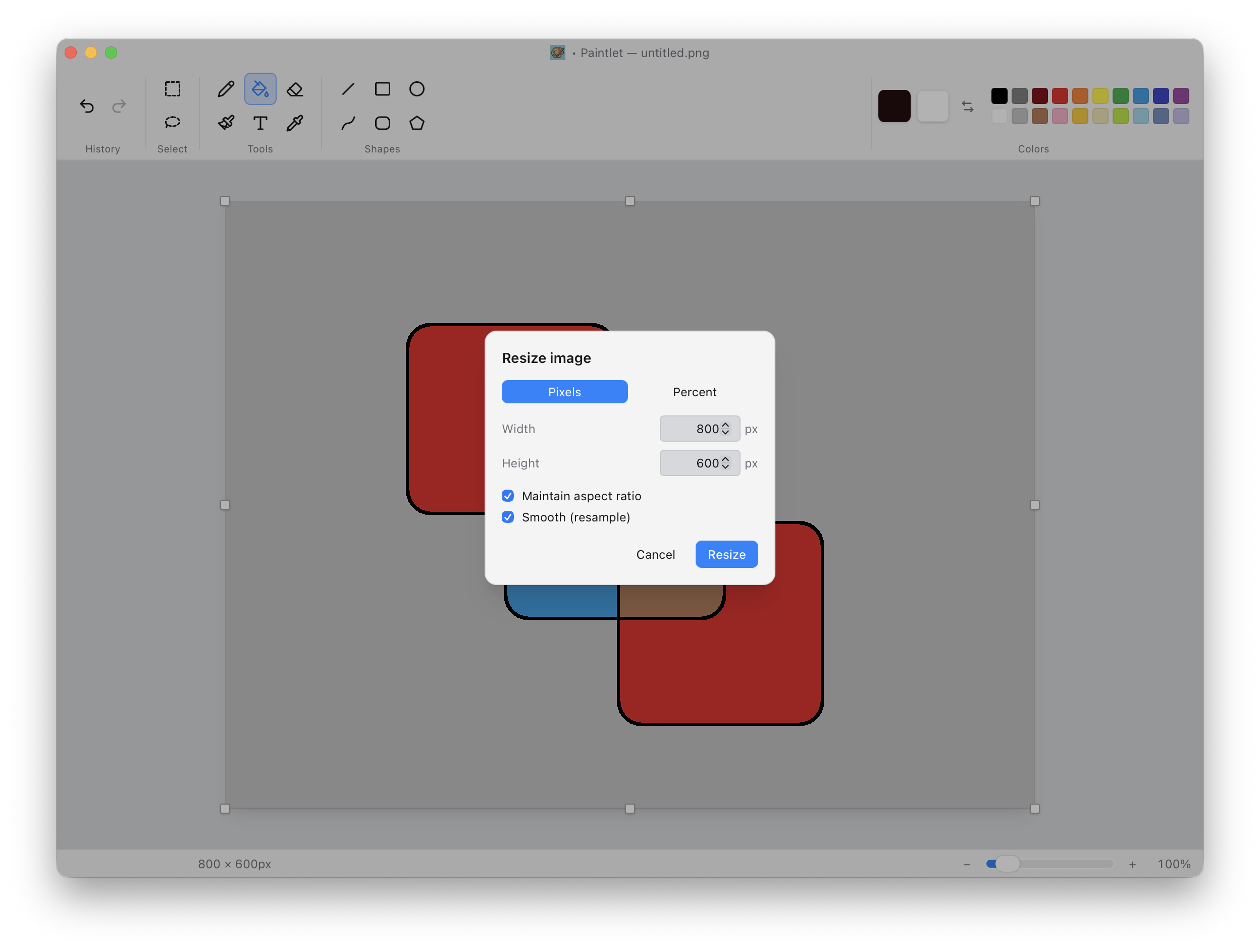
The Resize image dialog with pixel and percent modes and an aspect-ratio lock
Image ops. Resize by pixels or percent, with aspect-ratio lock.
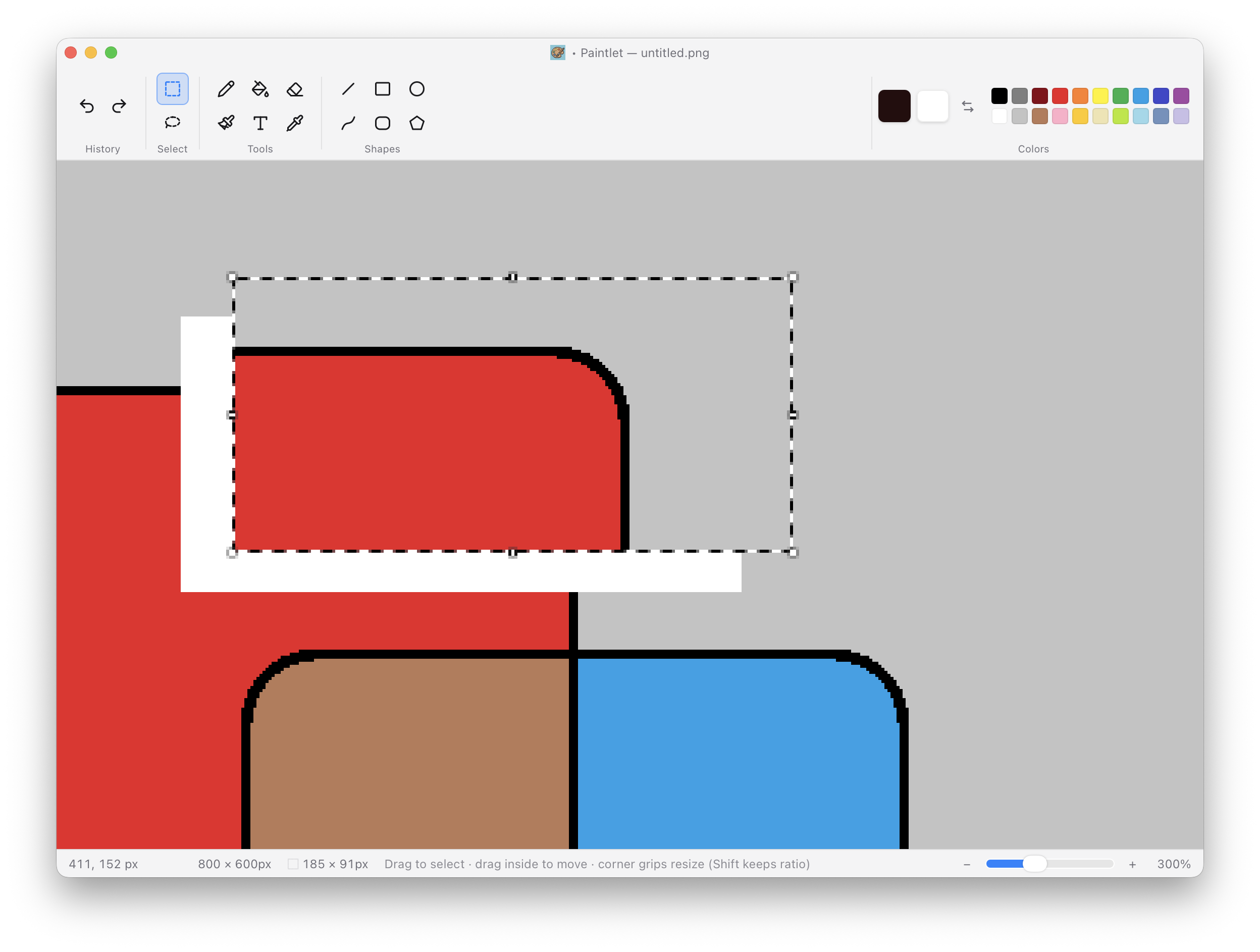
A rectangular selection marquee with eight resize grips, zoomed to 300 percent
Selection. Marquee or lasso with eight-grip resize, up to 8× zoom.
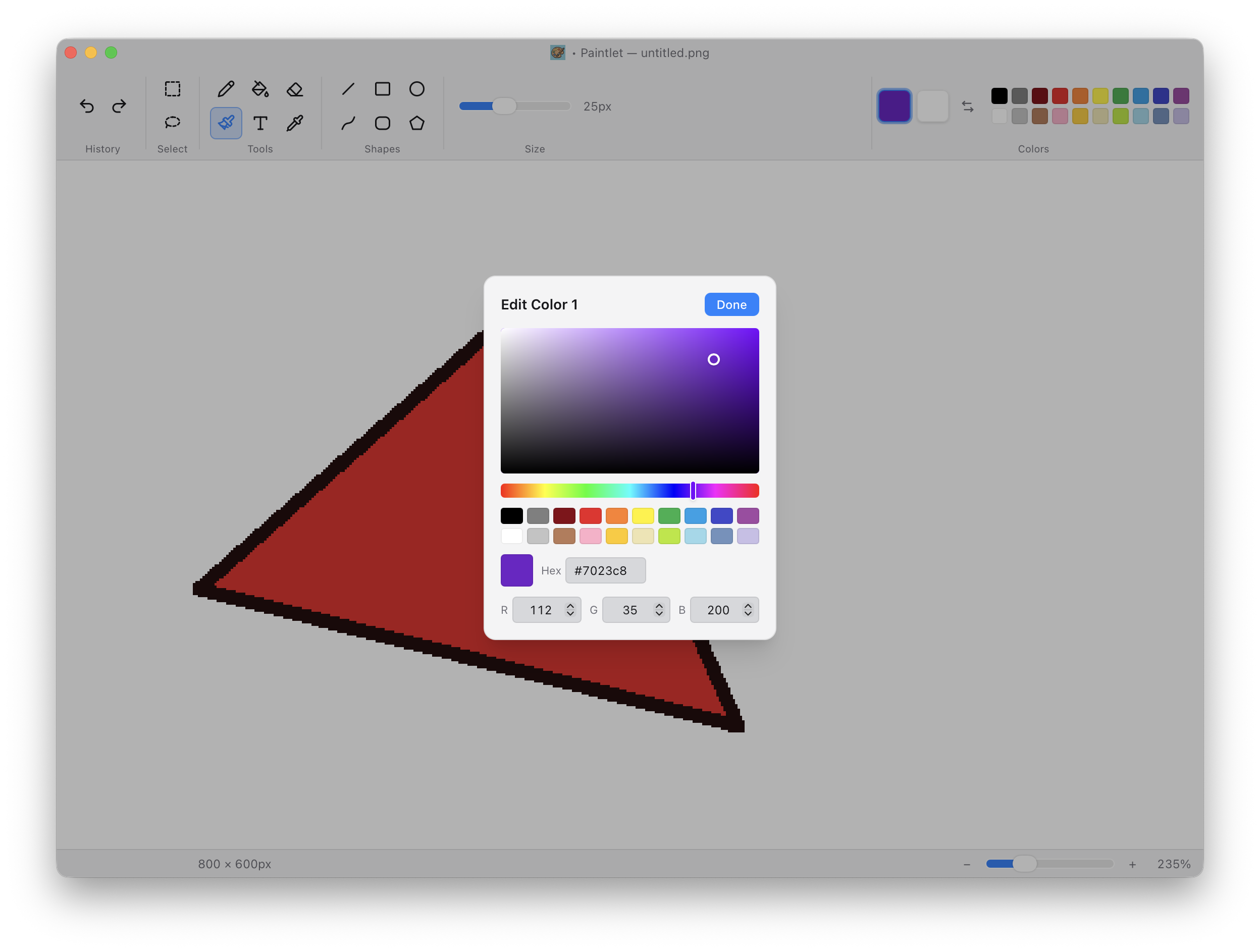
The in-app Edit Color picker with an HSV field, hue slider, MS Paint palette, and hex and RGB inputs
Colors. The full MS Paint palette, an HSV field, and hex / RGB inputs.

Get Paintlet

Signed and notarized by Apple — a universal build for macOS 10.15 and later.

Download for macOS

The button always serves the newest release. Release notes and older versions live on GitHub.